


As mentioned in the O365
roadmap,
Priority field for Planner tasks is now available. Microsoft has added 4
types of priority named
- Urgent
- Important
- Medium
- Low
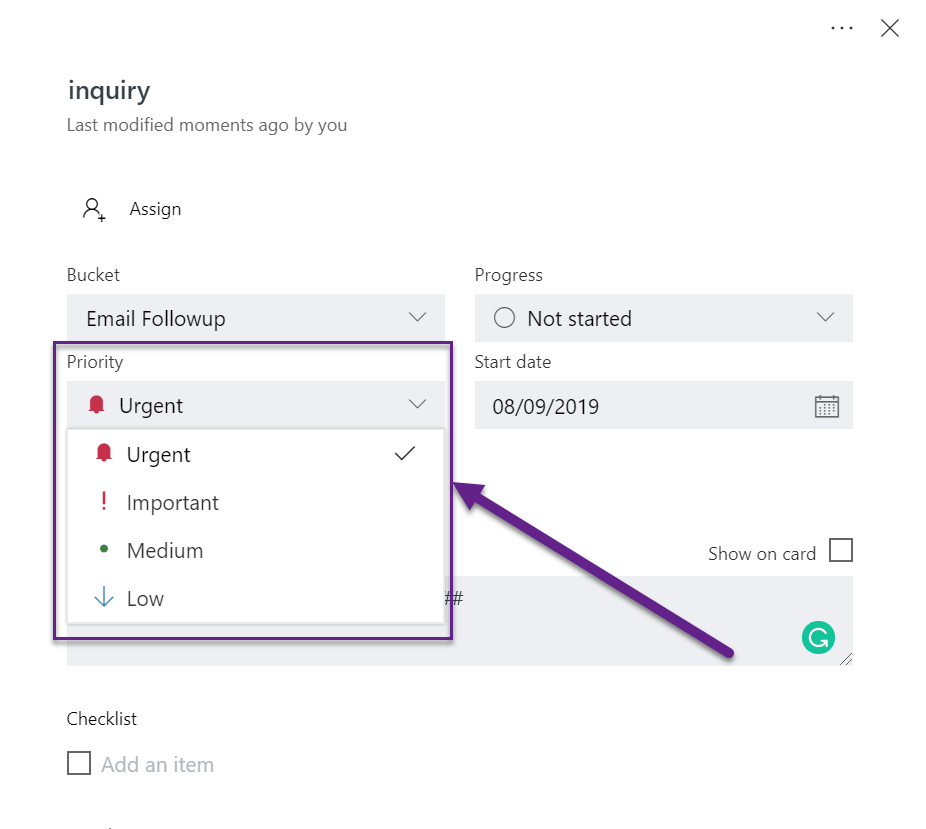
By default, the tasks created from Quick create and all the tasks
created before implementing this feature will be marked are added with
‘Medium’ priority. However, there is no option to add the Priority for
the task without opening it. It will be easy for users who create quick
tasks if the Priority for the task can be updated without opening the
task.
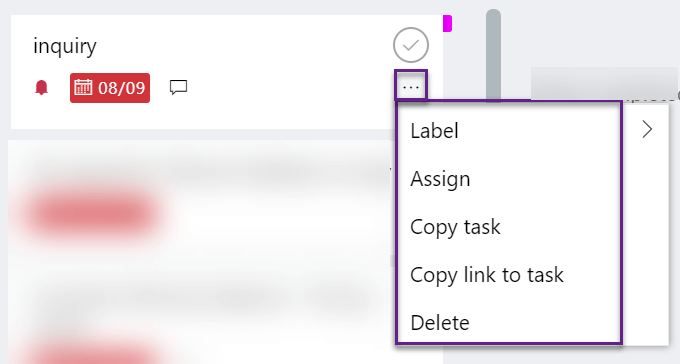
Group by Priority
Additionally, Microsoft has provided a way to Group tasks by Priority.
This would be much useful for planning and to pick the tasks they are
marked as Urgent/Important first. As the tasks are group by priority, it
is not possible to order the tasks from this group by view.

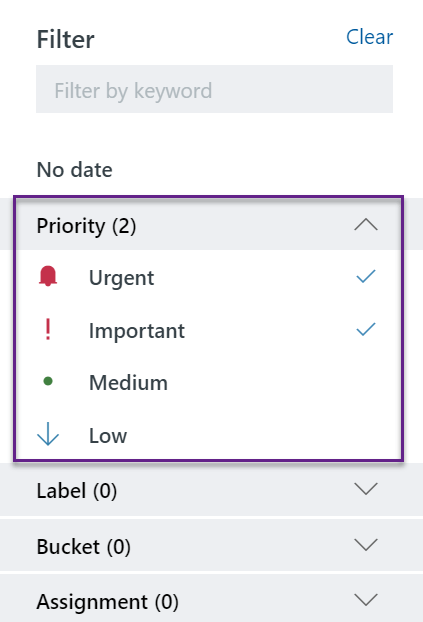
Filter tasks by Priority
You can filter tasks based on priority. This is very similar to other
filters available in the Planner.
It is good to see Microsoft Planner is getting to a good shape by the
introduction if new features such as Export to Excel, Task priority and
availability for F1 tenants. Happy Planning :).
















