Users who live on Outlook will receive tasks via email, and they need to
assign it for others to work on it. Email/Planner/Teams can assign
tasks. Whatever the mode it may be, the users have to repeat the same
action on a day to day basis. Research states that users spend almost
30% of their work time a day in performing repeated activities. Thus we
have come up with a solution for this and save their precious time in
focusing their tasks, and to stay productive.
Introducing task email templates in Apps4.Pro Outlook add-in that can
save time by creating templates for repeated actions. Templates are
useful for different purposes and use as many times you wish. There are
two types of task-related emails:
- Ticket– A task that contains the link to the Planner task and
assigns the tasks to others with a due date that allows them to work
on it - Informational – This can be any other way of communication other
than ticket. It can be communicating the information in the email to
other team members or upper management, post comments about the
email, send the email for review or replying the same message for
various emails.
To overcome the above cases, we have included the following actions in
creating the templates.
- Create Planner tasks from email
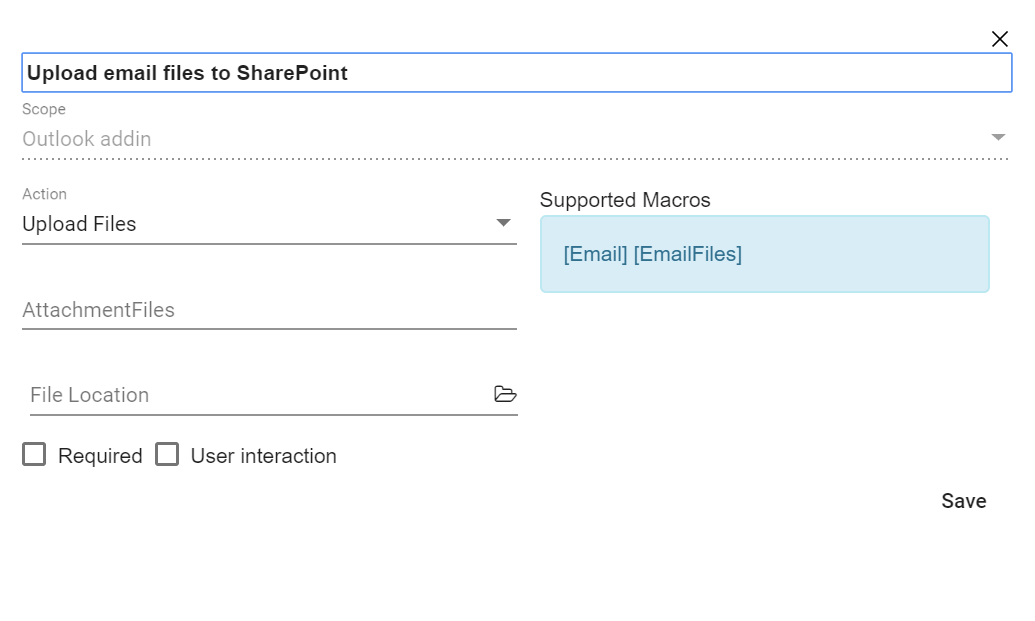
- Upload email/email attachment to SharePoint
- Post conversation about the email in Microsoft Teams
- Reply to emails with prebuilt messages.
Additionally, the templates include macros for all the actions listed
above.
Task title: [Subject]
Task description: [emailbody]
Due date: [Today], [Tomorrow], [Thisweek]
Attachment: [Email], [Emailfiles] are the few macros available.
Fill in the form at the end of this page to subscribe for the beta
version of the add-in and get a chance to use the templates for free!
Actions supported in Templates
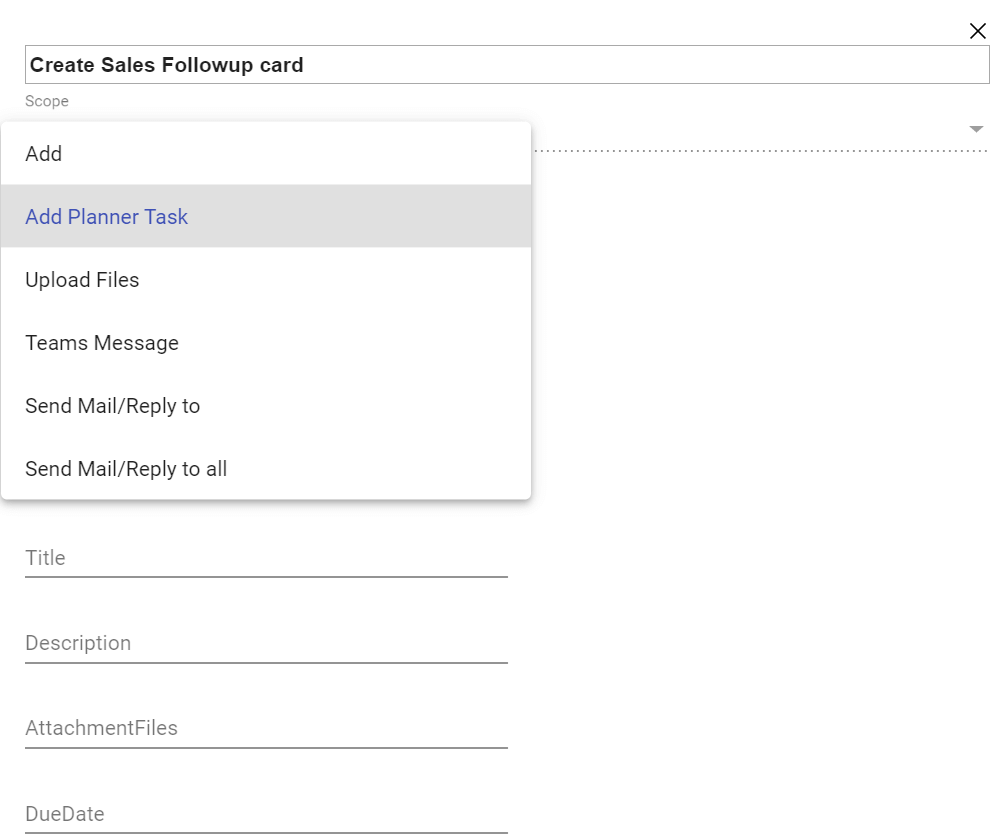
Create templates with Macros