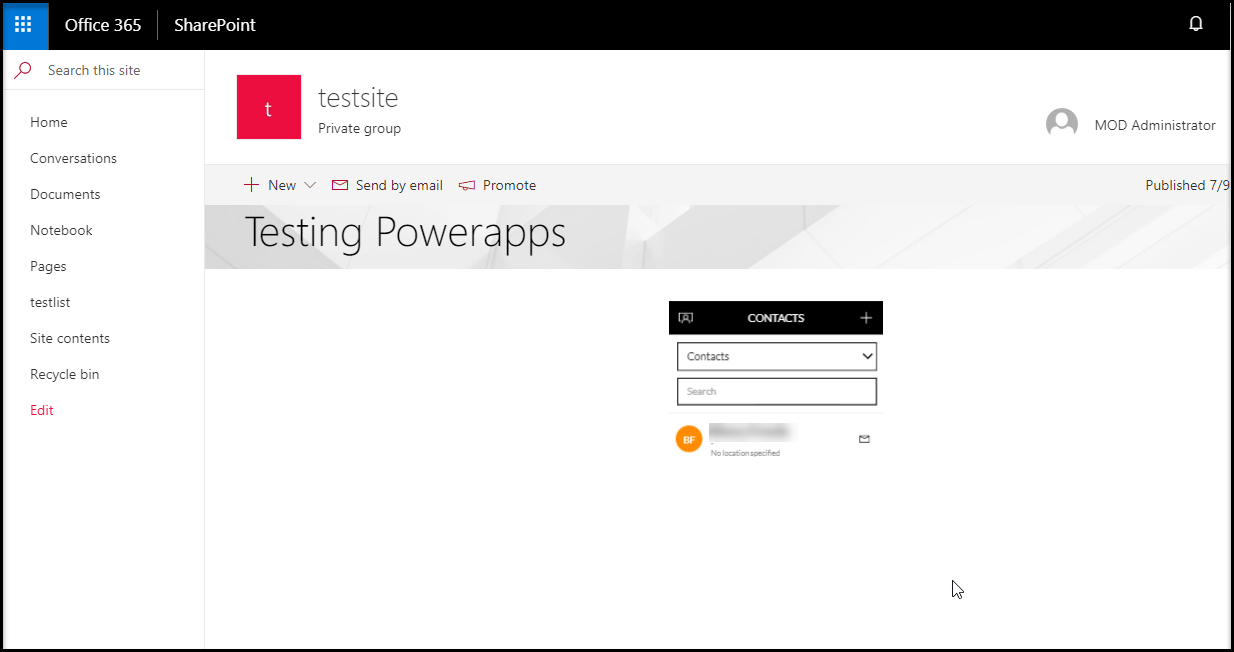
Microsoft added PowerApps web part(preview) in SharePoint Online modern
page. SharePoint users can easily embed PowerApps to SPO modern page.
This web part doesn’t require separate sign in page.
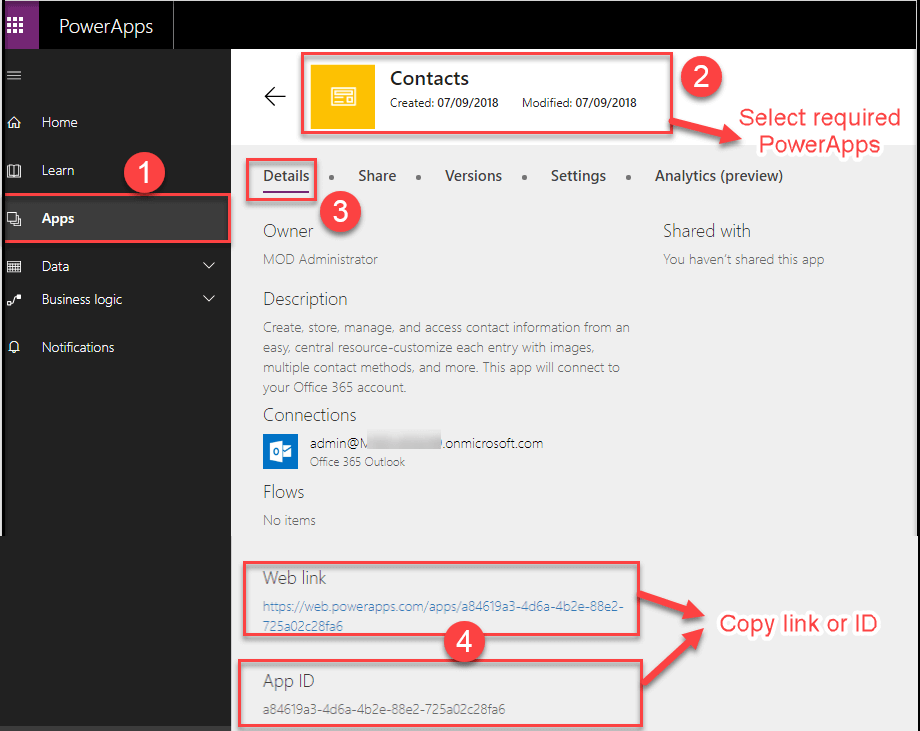
How to get PowerApps link or app ID
Before adding PowerApps web part, get the PowerApps app link or app ID.
Sign-in to PowerApps site (
https://web.powerapps.com ), then follow
the numerical points as shown in the below.
How to add PowerApps web part in modern SharePoint page
You can add web part to new modern page or already existing modern page.
New Page
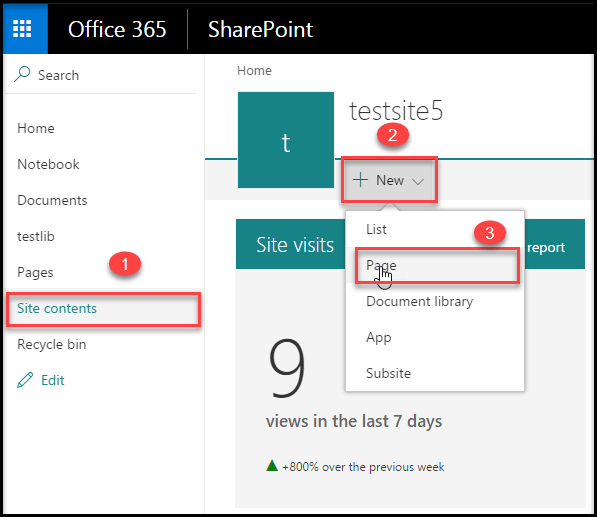
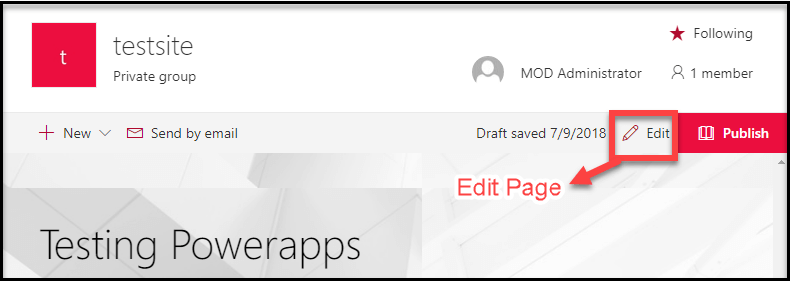
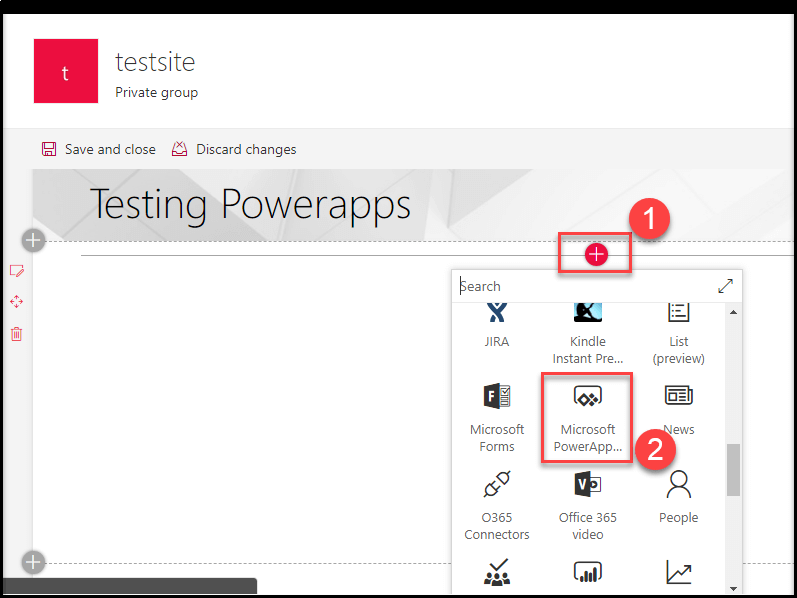
Add web part
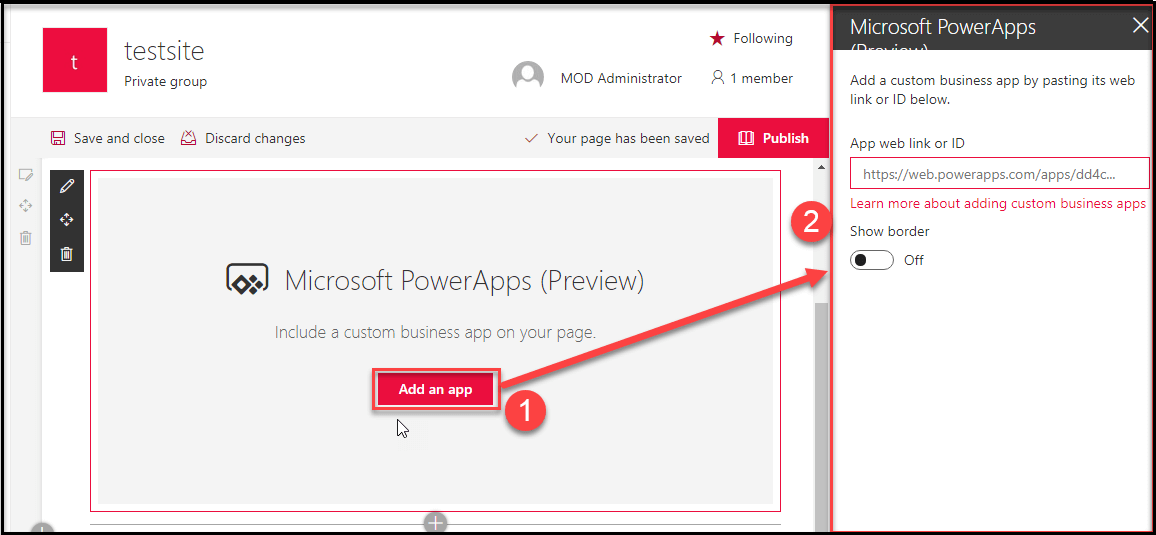
Once added the web part, click Add an app option and it will show the
property pane in the right side of the page and set required values.
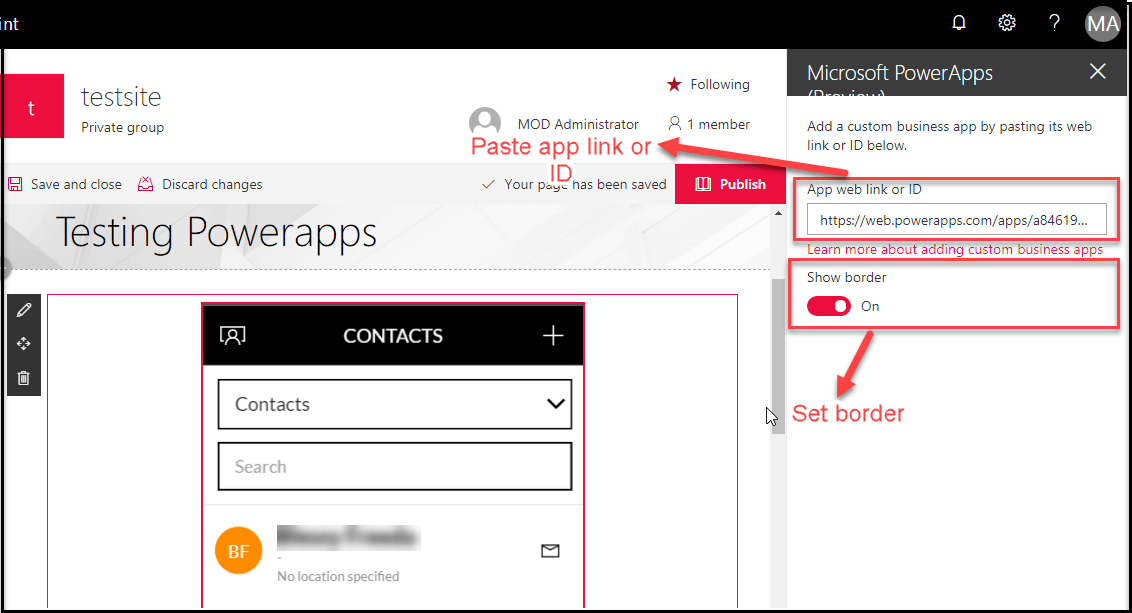
Once you set all the required properties, then click Publish page.
With border
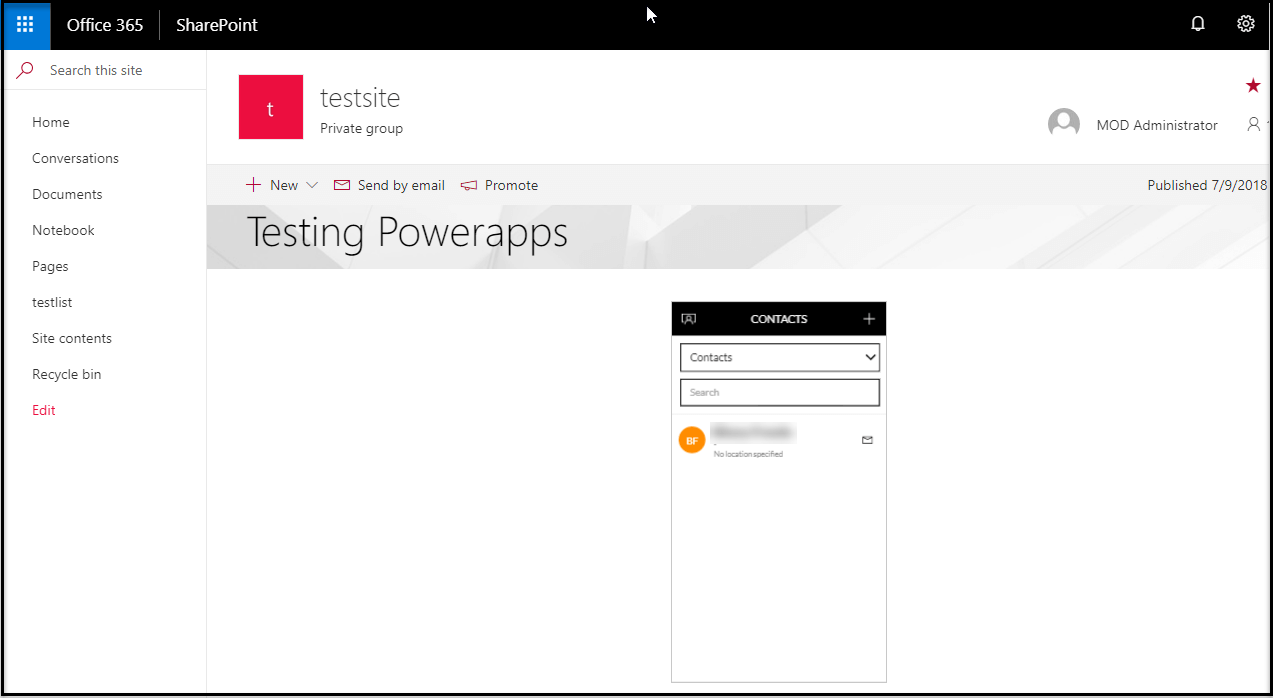
Without border