

Apps4.Pro Chat allows users to enable the chat for their business
websites with few clicks and respond them back from Microsoft Teams.
Whenever a new chat conversation is started from your website, it will
be posted to your agents through Microsoft Teams. And a task is created
in Microsoft Planner with details of conversation, the user details
collected at start of the conversation. The agents can reply back from
Teams itself. In many of the SMBs, a team member plays multiple roles,
by using Microsoft Teams his workflow will not affect and the member
don’t need to leave Microsoft Teams. Using Teams mobile app, you can
reply to the chat conversations wherever you are.
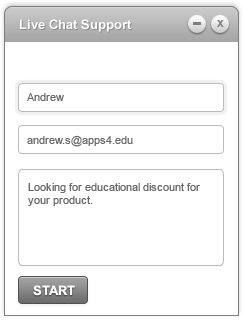
User starts a new conversation from website
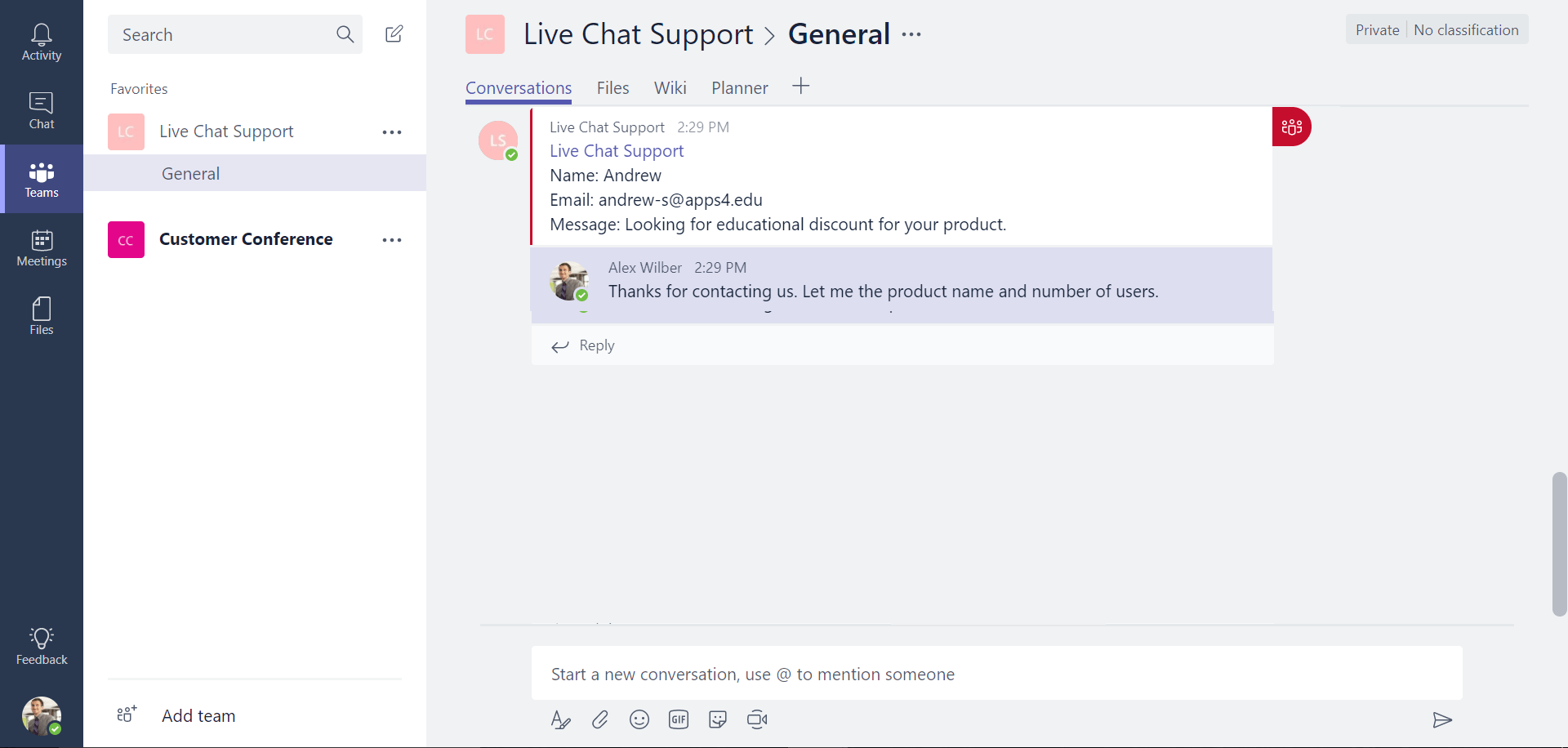
Internal user gets a new post in Teams and replies back
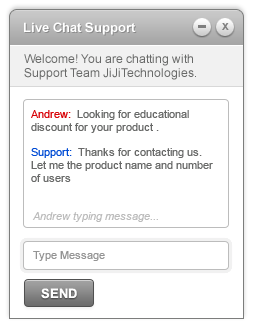
User gets back a chat response
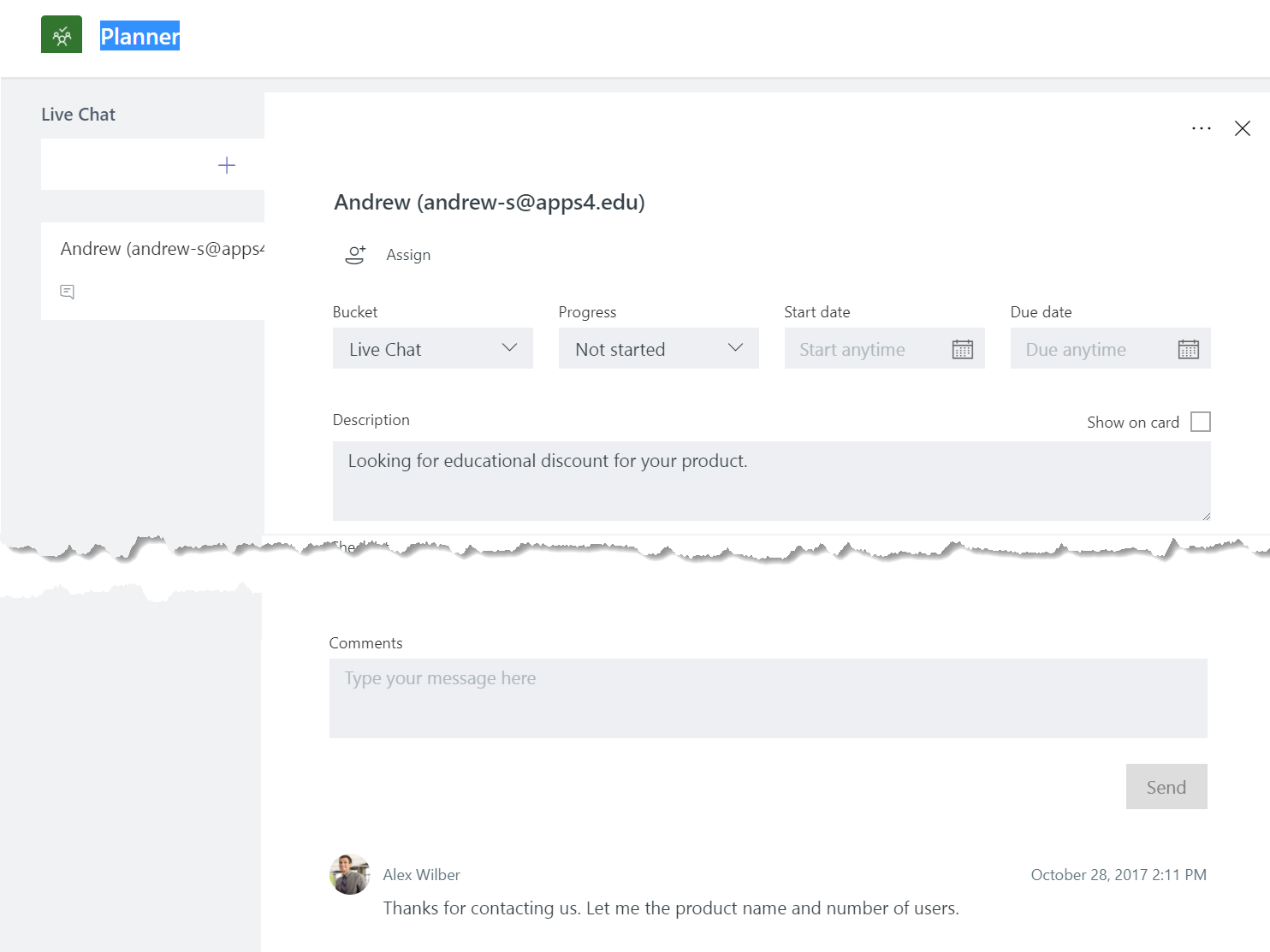
Entire activity with user details logged in Microsoft Planner
Excited!!!. Subscribe for preview by submitting your email in the below
form, we will contact you soon.
Loading…
















