Microsoft Teams has become the central hub for all communication in the
enterprises. It can be internal/external communication. When it comes to
external connections, customers can’t communicate with the internal
teams without a guest account in Microsoft Teams. This is practically
difficult to ask your customer to create a guest account in Teams to
contact you.
As technology evolves, customers expect simplicity in making things
happening. Imagine a day where your customers can able to connect with
your internal Team (using Teams) from their Facebook Messenger, Slack,
Telegram and much more. This brings real flexibility for the customer to
communicate with you.
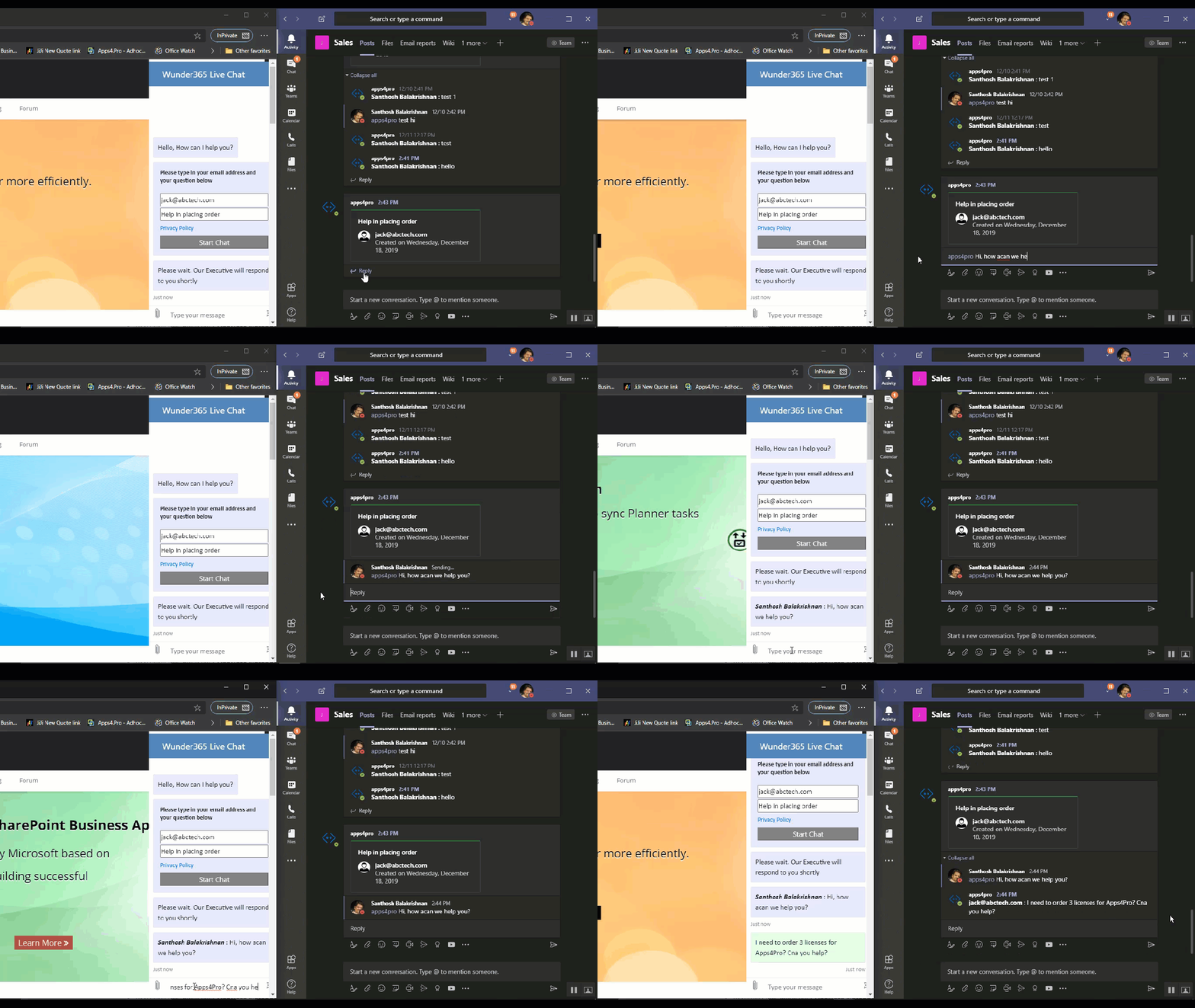
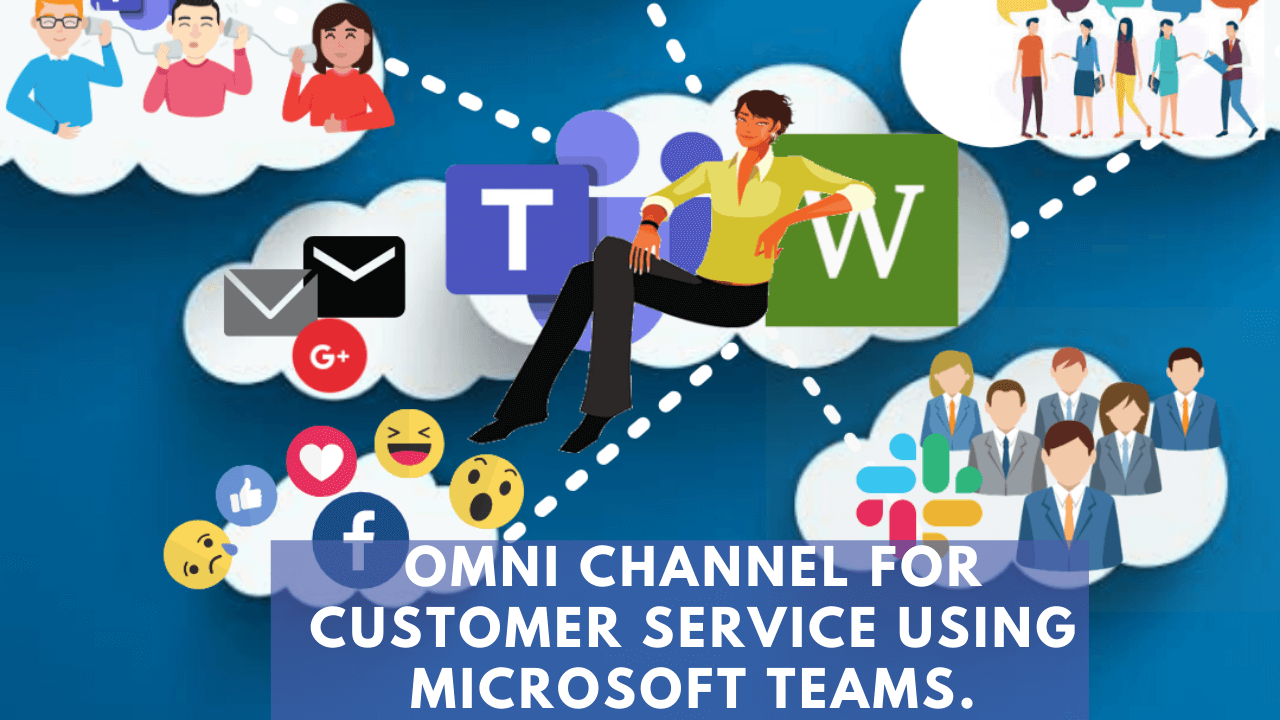
Wunder365 Bot makes this possible with its intelligent AI. This bot
helps you to offer Omnichannel support for customers all from and within
Microsoft Teams. Customers will send the messages from their favourite
messenger apps (Facebook, Telegram, Slack, Teams and more) and it is
received in Microsoft Teams channel. From Microsoft Teams, you can reply
to the customer and establish a good rapport.
Instant response – Wunder365 Bot creates separate conversations for each
customer in Microsoft Teams channel, so all their previous chats are
ready for a revisit in no matter of time.
Chat Transcript – Customer will receive the transcript by email.
Wunder365 Bot provides seamless communication between personal messaging apps and Microsoft Teams:
- Centralize your customer messages – Configure individual channel for
each customer with a dedicated bot handle, by this way all the
conversations with a customer will be in same channel. - Customers using Teams can able to establish one to one chat using
the unique bot id. - Setup Canned responses for customer questions
- Platform Independent – Ensure continuity in conversations with your
customers - Exact and expected response for each of their queries with the
support of your Internal members in the team. - Have a better inter & intra-office communication
- An effective response to the customer at the right time
- Reduce the Bounce rate as no more waiting time to get email
responses. - Customized fields are possible
- Swift decision making with the help of internal team members